December 2025
Automated Reporting
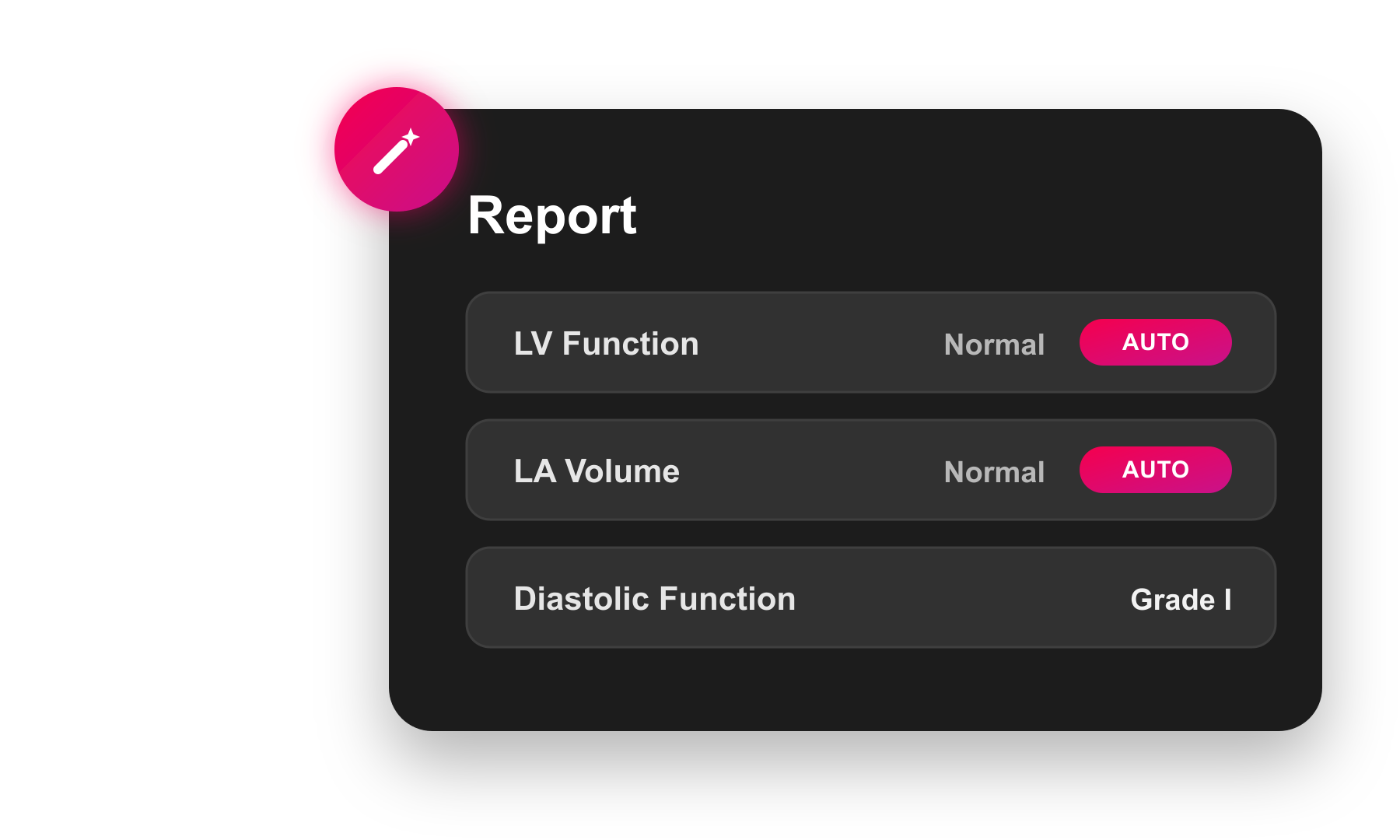
Bring automation into your daily reporting workflows with HeartLab's Automated Reporting. Customisable, configurable, and guideline-backed, Automated Reporting applies your echo lab's normal ranges and reporting standards automatically, saving time and improving reporting consistency across your team.
Clinicians can still override automated findings, providing automation when you want it and manual control when you need it.
Study Tagging
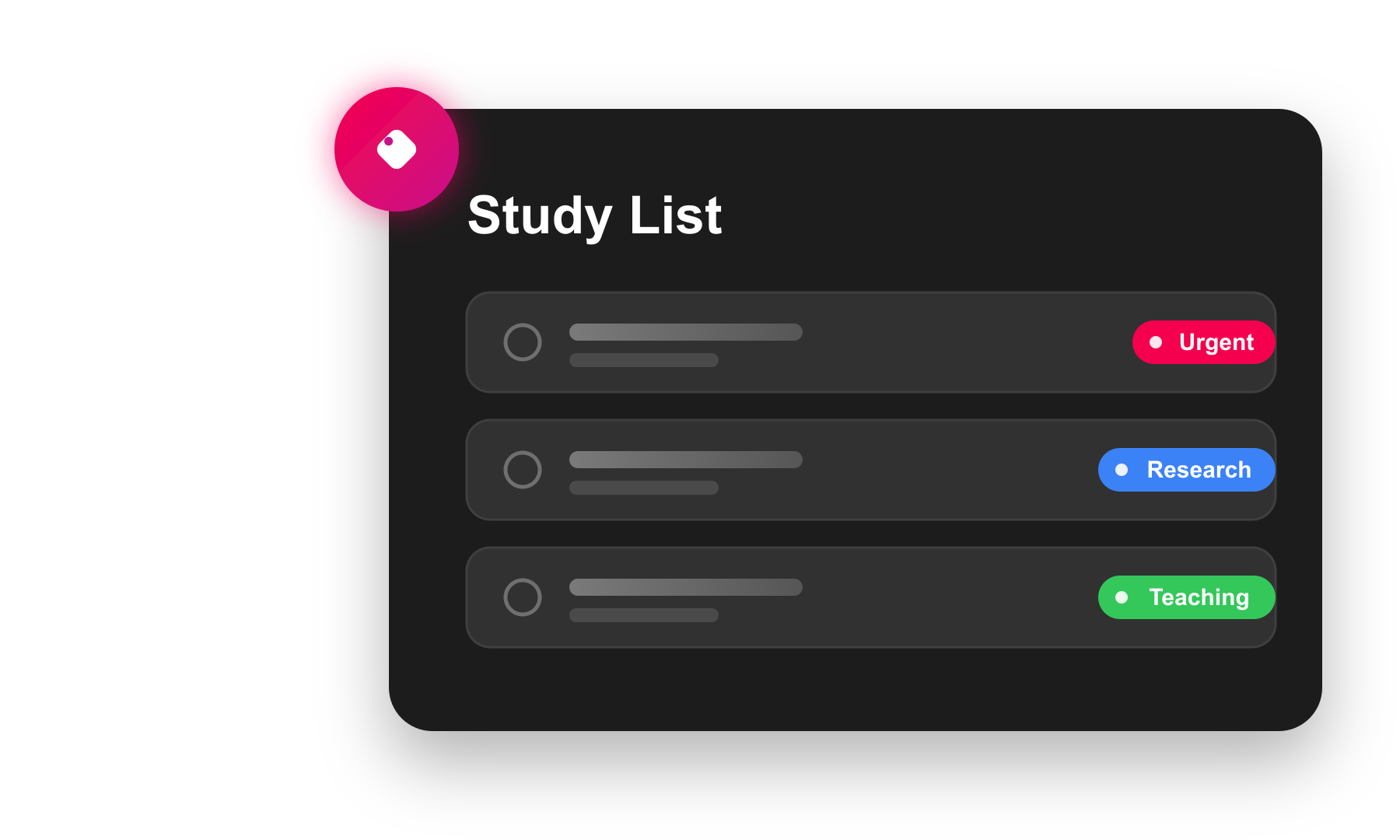
Finding the right studies just got easier. With study tagging, you can label studies with custom tags and pull them up instantly during audits, research, teaching, or complex case reviews.
Tags are fully customisable, colour-coded, and easy to attach from the Study List or Study Viewer. Whether you're preparing accreditation documentation or reviewing patterns of disease, tagging lets you organise studies for the way you work.
Create New Study from Selected Clips
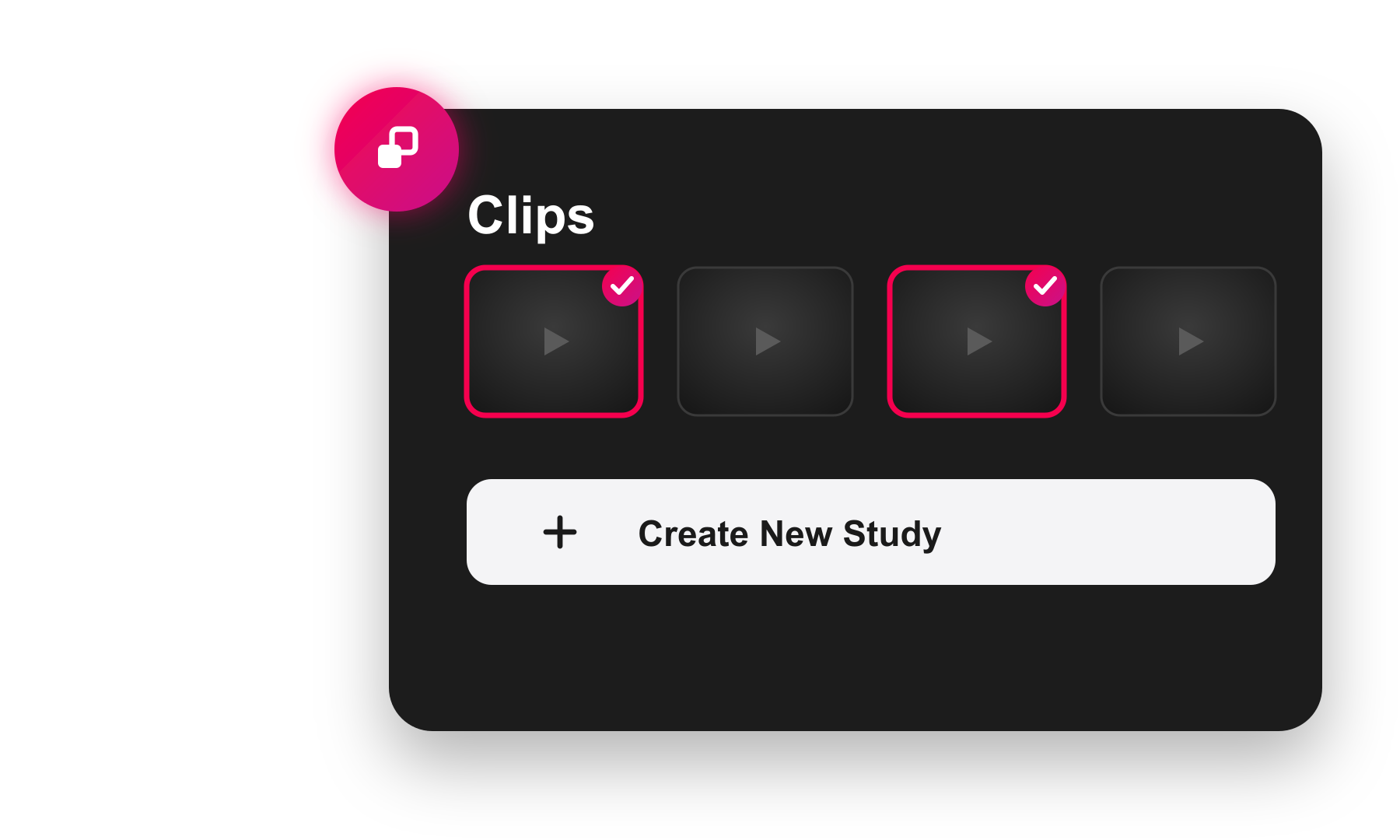
You can now instantly create a brand-new study from selected clips — a powerful upgrade that makes splitting studies simple, fast, and fully self-service.
Whether you're correcting incorrect acquisitions, separating multi-patient echoes, or tidying up workflows, this feature gives you complete control. Just select the clips you want using clip multi-select, click Create New Study, and HeartLab handles the rest.
Additional Updates
Study Management and Administration
- Study-Specific Attached File Types. Administrators can now specify which study types an attached file type is relevant to, simplifying management of study attachments and giving better alerts about missing documents.
- Configurable Study Type Dropdown. Administrators can now customise which study types appear in the Study List dropdown.
- Configure Assignee Dropdown Options by Role. Administrators can now limit the Assignee field dropdown options by role, for example Reporting Cardiologists or Reporting Physicians.
- Editable Study Dates. Study dates can now be updated after a study has been created from DICOM data, ensuring split or manually reorganised studies reflect the correct timing.
Study Review and Imaging
- View Attached PDFs as Clips. Attached PDFs such as ECGs now appear as interactive clips in the study clip list, allowing full report editing while reviewing files and maintaining all viewer functionality and hotkeys.
- Pop Out Attached PDFs to a Secondary Window. Attached PDFs can now be opened in a separate window, allowing documents to be viewed without disrupting the image grid.
- Relabel Stress Echo Images. The view label of stress echo images can now be updated directly in HeartLab.
- Reset MPR Button for CT. A dedicated Reset MPR button lets clinicians quickly return CT MPR planes to their default orientation.
Reporting and Measurements
- Show Report Date and Time Under Signature. Reports can now optionally display the date and time beneath the signature on final reports and amendments.
- Mandatory Fields for Preliminary Reports. Preliminary reports now highlight mandatory fields with a clear red border to alert users.
- Multiple Measurement Names in Calculations.
measurement.getValue()andmeasurement.format()now support multiple measurement names, returning the first available value in a study, simplifying calculations while maintaining backward compatibility.
Need Help?
If you require any assistance with setup or using these new features, please contact HeartLab Support.
 MFR
MFR