July 2026
Images and PDFs in Reports
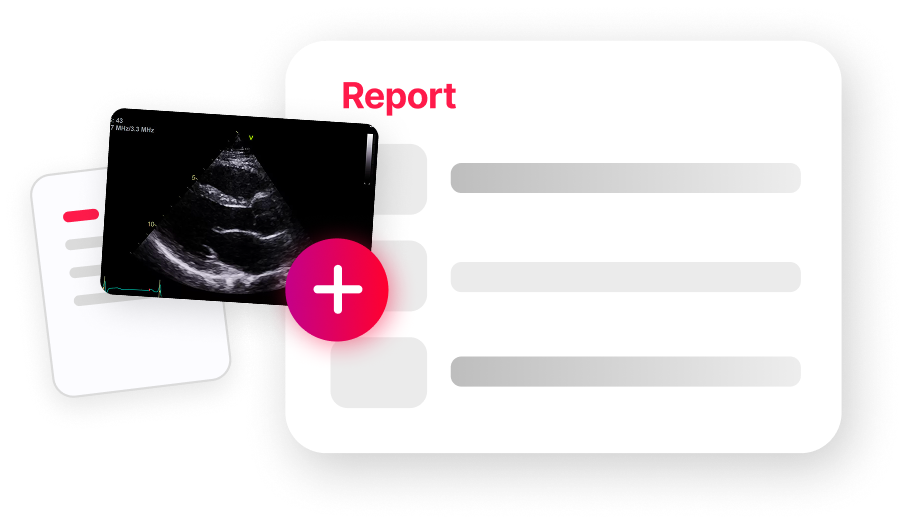
HeartLab reports can now include images and have supporting PDF documents appended to them, helping clinicians communicate findings more clearly.
Administrators can add dedicated image sections to report templates, enabling reporters to select relevant still images from the study for inclusion. PDF documents attached to a study can be appended directly to the report PDF, with control over ordering and inclusion of multiple PDFs. Image and PDF content in reports is fully supported across all report distribution channels.
Merge Studies
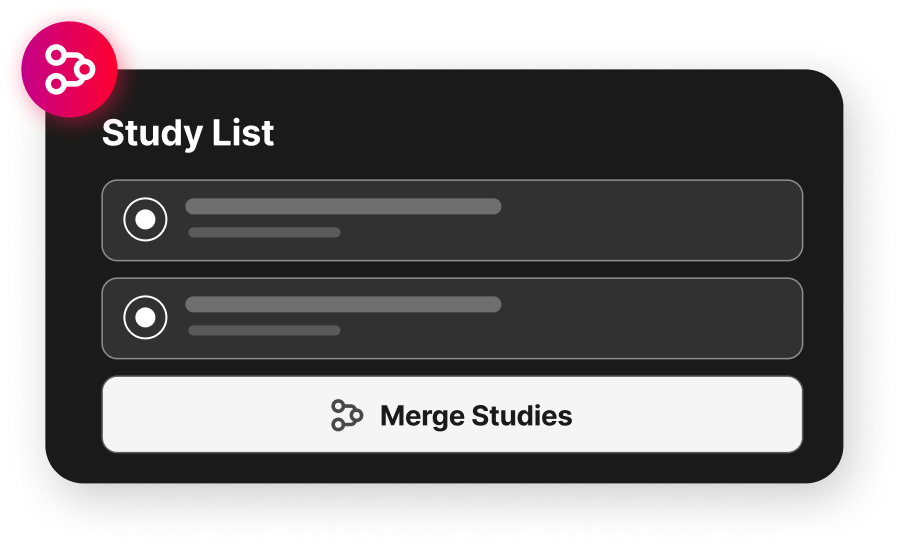
HeartLab can now merge two studies from the same clinical examination into a single study, helping keep patient records complete and organised.
Authorised users can merge studies directly on the Study List to consolidate DICOMs, attached files, and reports into a single study. Intelligent safeguards highlight potential issues such as differing patient details.
HeartLab Agent Integrations
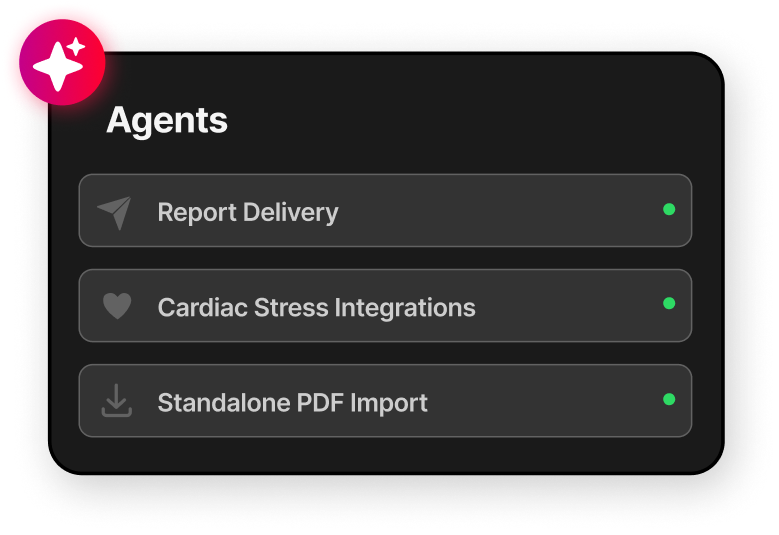
Standalone PDF Import
The HeartLab Agent can now automatically create studies from PDFs exported by Holter monitor or ABPM systems. Administrators can configure flexible filename templates to extract patient and study information directly from PDF filenames, making it easy to automatically import external documents with no manual data entry required.
Cardiac Stress Tests
The HeartLab Agent now supports automatic upload of cardiac stress test exports, including CardioSoft and Norav XML/PDF file pairs. Uploaded studies are automatically processed and matched with the corresponding stress echo study in HeartLab, ensuring all relevant information is available in one place. Existing report templates can be updated to automatically display measurements taken during the cardiac stress test such as blood pressure, heart rate, and exercise time.
Report Delivery
The HeartLab Agent can now deliver reports to local directories in either PDF or HL7 format. Administrators can configure delivery rules, file naming conventions, and distribution settings directly within HeartLab. Report delivery status is shown directly on the Study List.
Opt-In Report Distributions
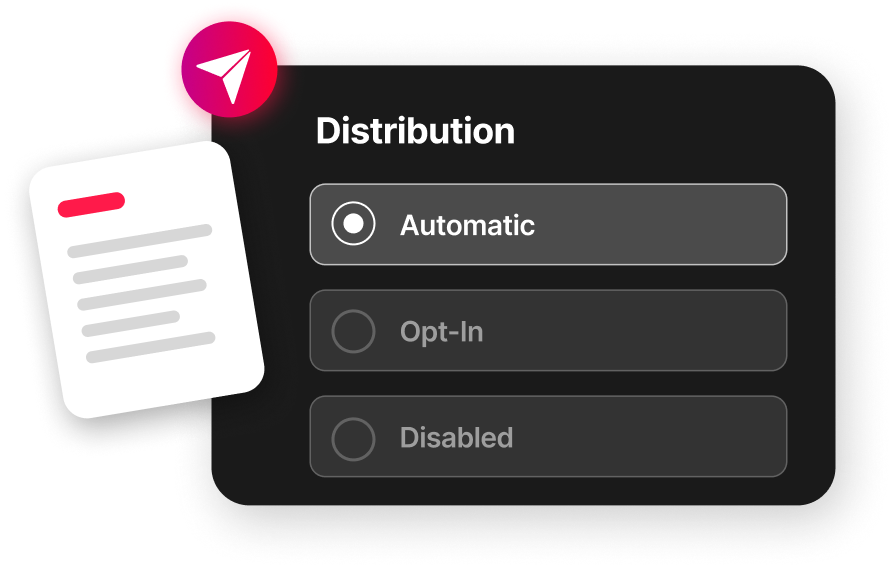
Report distributions can now be configured as Opt-In, allowing specific delivery destinations to be enabled on a per-study basis. This gives teams more control over when and how reports are delivered to external systems and recipients.
Managing report distributions for a study now includes the ability to see delivery status, enable opt-in destinations, manually trigger deliveries, and review distribution history.
Additional Updates
Reporting and Workflow
- Automatically Open Report. Choose whether HeartLab automatically opens the report when opening a study.
- Return to Study List After Report Completion. Choose whether HeartLab automatically returns to the Study List after completing a report.
- Distribute Reports by Fax. Reports can now be distributed directly out of HeartLab to a fax number. Contact HeartLab Support to have this feature enabled on your account.
- Edit Finalised Studies Without Active Amendments. Study details and measurements can now be updated on finalised studies without requiring an active amendment, with a reminder displayed when patient details are edited.
- Copy Patient Name, ID, and Study Date. Copy patient name, ID, and study date directly from the Study Viewer with a single click, reducing manual transcription.
Study Management and Administration
- Study Archiving. Archive studies from the Study List to keep active work uncluttered. Automatically linked cardiac stress studies are archived automatically. Archived studies can be shown or hidden on the Study List at any time.
- Clinical Location Authorisation. Control study visibility and reporting workflows based on clinical location access, with Clinical Location Groups simplifying user management across multiple sites.
- Editable Study Accession Numbers. Accession numbers can now be viewed and edited from the Update Study Details window, with updates reflected in exported DICOM files.
- "Not Assigned" Assignee Filter. Filter the Study List by studies with no assigned clinician, making it easier to identify and follow up on unassigned work.
- Study List Enhancements. Referring physician details can now be viewed and updated directly within HeartLab, and the Study List now supports a configurable Indication column with integrated search.
- Drag-and-Drop Study Uploads. DICOM files and ZIP archives can now be uploaded by dragging and dropping them onto the Study List.
DICOM and Imaging
- Updated DICOM Export Details. Downloaded DICOM files now reflect study edits made in HeartLab, including updates to patient details, study information, and stress echo view labels.
- Enhanced Clip Tooltips. Clip tooltips now display clip date and time details, improving navigation during image review.
Report Templates
- Enhanced Report Template Styling. Configure report header layouts, customise heading alignment and sizing, adjust font sizes per section, and position signatures anywhere within a report.
- Improved Measurement Fields. Configure measurement fields on reports with custom units, decimal places, fallback measurements, and labels. Automatic compaction allows for measurements not taken in the study to be omitted on the report to save space.
Need Help?
If you require any assistance with setup or using these new features, please contact HeartLab Support.
August 2026
This release brings ECG review into HeartLab, makes email notifications more configurable, adds 3D reconstructions of CT volumes, and extends report distribution capabilities, alongside a range of other improvements.
April 2026
This release streamlines report distribution, reduces manual reporting steps, and integrates cardiac stress testing, alongside a range of other improvements to study management, measurements, and workflow customisation.
 MFR
MFR