

Study Review
Clip List Size
Resize the Clip List pane to show more or fewer previews during study review.
Clip List Size
HeartLab allows users to resize the Clip List pane to optimise the balance between:
- Thumbnail visibility
- Cine View workspace
- Study navigation efficiency
Adjusting the Clip List size can help improve workflows when reviewing studies with large numbers of clips or when prioritising Cine View space for measurements and reporting.
Applies to
- All users
Resize the Clip List
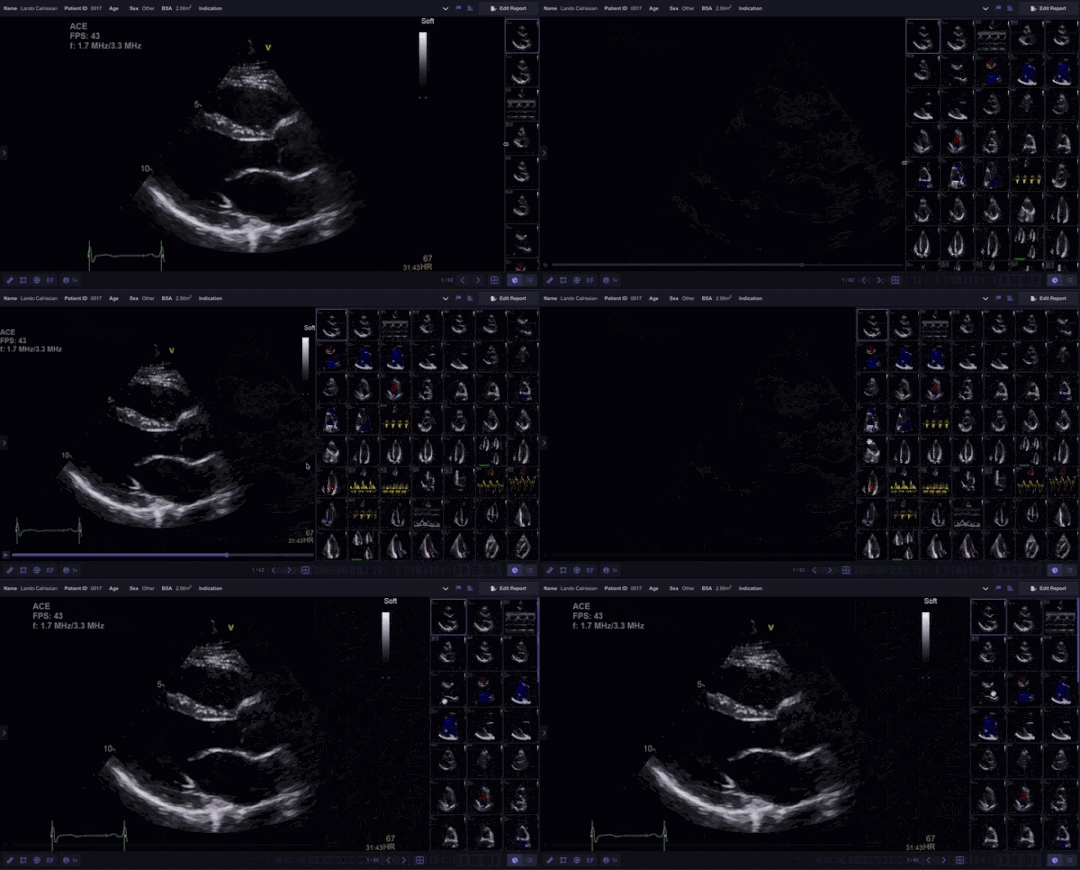
- Open the Study Viewer.
- Locate the divider on the left edge of the Clip List.
- Select and drag the divider:
- Left to expand the Clip List and display more thumbnails
- Right to reduce the Clip List size
- Release the divider to retain the new layout.
Preview Clips
Hover over a clip thumbnail to preview the clip without opening it in the Cine View.
Additional Notes
Use a larger Clip List when reviewing studies with many clips or when searching for specific views.
Reduce the Clip List size to maximise Cine View space during detailed measurement or reporting workflows.