

Administration
PDF Filename Format
Configure naming patterns for downloaded PDF reports.
PDF Filename Format
HeartLab allows administrators to customise the filename format used when reports are downloaded as PDF files. This helps standardise report naming and improve file organisation.
Open PDF Filename Settings
To configure PDF filename formats:
- Navigate to Settings → Reporting → PDF Sending.
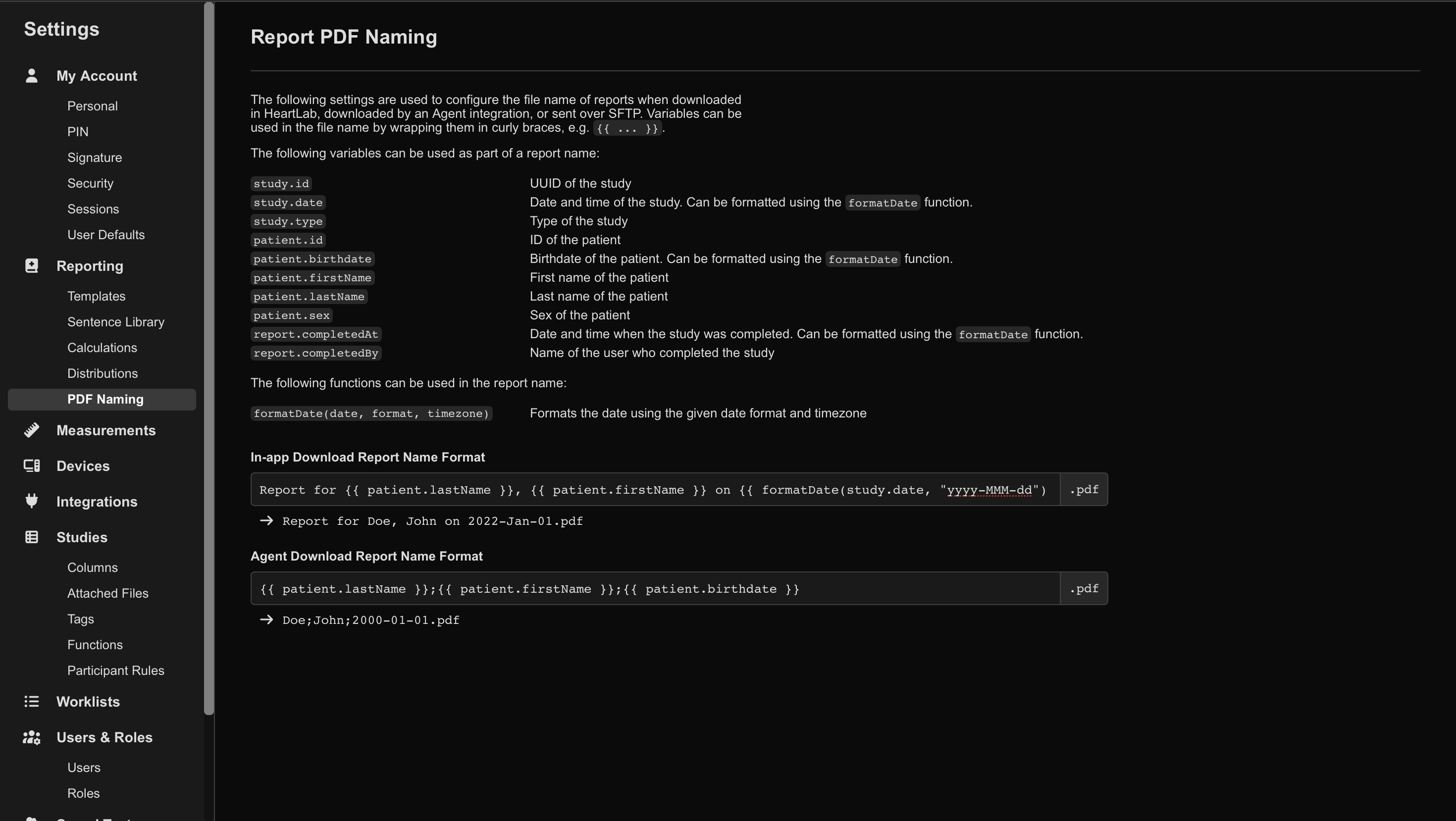
Configure Filename Format
To change the filename format for downloaded PDF reports:
- Select the filename format text box.
- Enter fixed text and/or variables.
- Variables must use double curly brace syntax:
{{variableName}}
 MFR
MFR